React List Virtualization Explained
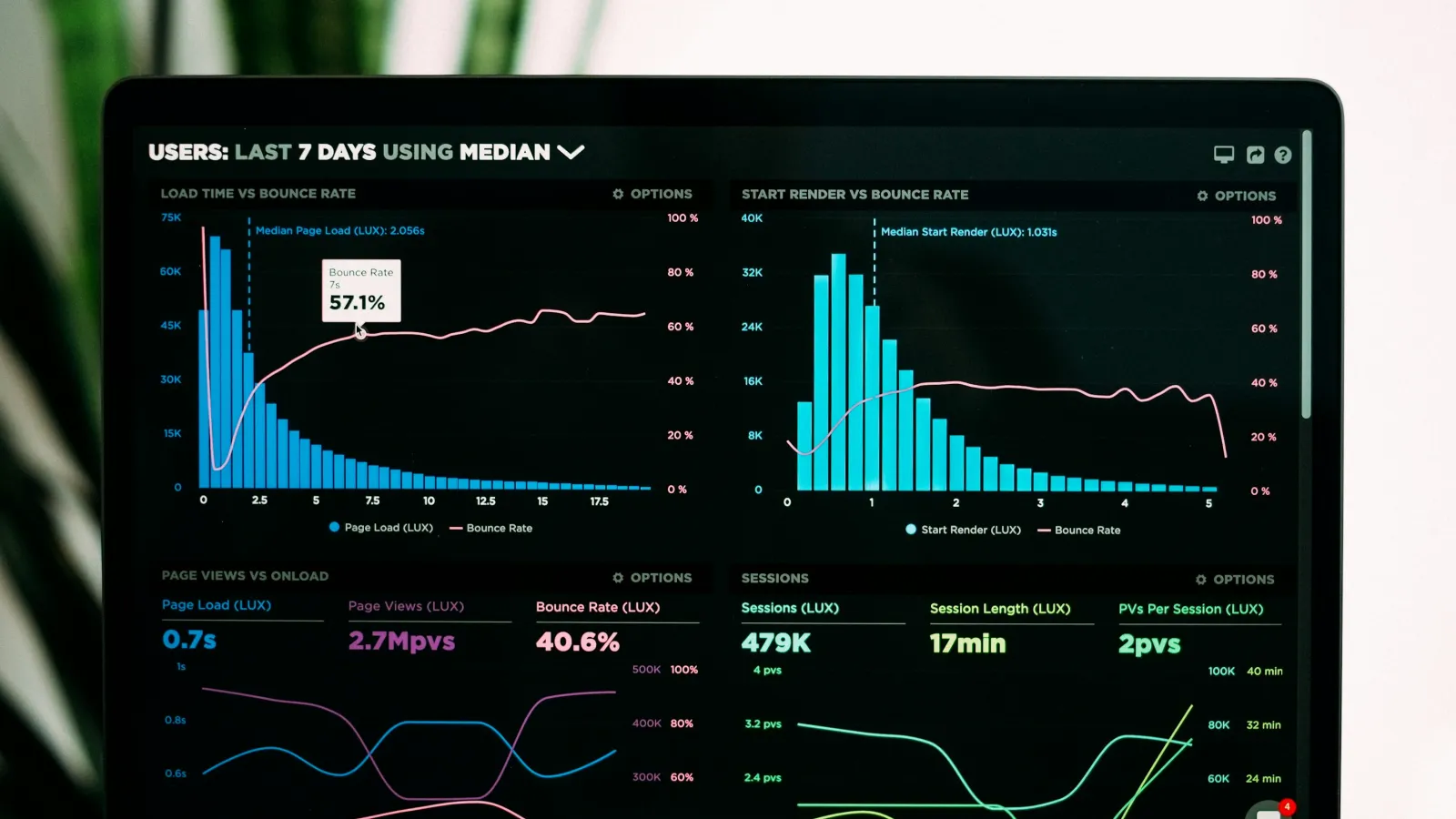
Scroll through a table with 10,000 rows in a naive React component and you will watch the browser choke: the tab freezes, scrolling turns janky, and DevTools shows a single render taking hundreds of milliseconds. This is the exact problem React list virtualization solves — instead of rendering every row up front, you render only the handful that are actually visible in the viewport, and swap them out as the user scrolls. The technique isn't exotic; it's how spreadsheet apps, chat feeds, and admin dashboards stay smooth no matter how much data sits behind them.
This guide walks through what React list virtualization actually does under the hood, how to implement it with react-window, and the mistakes that quietly break it in production.
What React List Virtualization Actually Does
A normal list component maps an array to JSX and lets the browser deal with the consequences:
{items.map(item => <Row key={item.id} data={item} />)}
For 50 items, this is fine. For 5,000, React has to create, diff, and mount 5,000 DOM nodes, most of which sit outside the visible scroll area and contribute nothing the user can see. Every state update that touches the list re-runs that entire diff.
Virtualization changes the mental model: the list keeps a fixed-height (or measured-height) scroll container, but only renders the rows currently inside — plus a small overscan buffer — the viewport. As the user scrolls, the library recalculates which rows are visible, mounts the new ones, and unmounts the ones that scrolled away. The DOM footprint stays roughly constant whether the underlying array has 100 items or 100,000.
Implementing It with react-window
react-window is the lightweight successor to react-virtualized and covers the vast majority of real-world cases: fixed or variable row heights, vertical or horizontal lists, and grids.
Install it:
npm install react-window
A basic fixed-height list looks like this:
import { FixedSizeList as List } from "react-window";

function ContactList({ contacts }) {
  const Row = ({ index, style }) => (
    <div style={style} className="contact-row">
      {contacts[index].name} — {contacts[index].email}
    </div>
  );

  return (
    <List
      height={480}
      width="100%"
      itemCount={contacts.length}
      itemSize={56}
    >
      {Row}
    </List>
  );
}
Three things matter here:
stylemust be spread onto the row's outer element — it carries the absolute positioningreact-windowuses to place each row correctly.itemSizeis the pixel height of a single row; it has to be accurate or rows will visually overlap or leave gaps.heightandwidthdefine the scrollable viewport, not the full list — this is what lets the library know how many rows fit on screen at once.
Handling Variable Row Heights
Real data rarely has uniform row heights — a comment with three lines of text takes more vertical space than a one-line reply. For that case, use VariableSizeList and supply a function that returns each row's height:
import { VariableSizeList as List } from "react-window";
import { useRef } from "react";

function CommentList({ comments }) {
  const listRef = useRef();

  const getItemSize = (index) => {
    const lineCount = Math.ceil(comments[index].text.length / 60);
    return 40 + lineCount * 20;
  };

  const Row = ({ index, style }) => (
    <div style={style}>{comments[index].text}</div>
  );

  return (
    <List
      ref={listRef}
      height={600}
      width="100%"
      itemCount={comments.length}
      itemSize={getItemSize}
      estimatedItemSize={70}
    >
      {Row}
    </List>
  );
}
If a row's real rendered height ever changes after the list has already measured it — a comment expands, an image finishes loading — call listRef.current.resetAfterIndex(index) so the library re-measures everything after that point. Skipping this step is the single most common source of "virtualized list looks broken" bug reports.
Common Mistakes That Break Virtualization
- Wrapping rows in components that ignore the
styleprop. If a customRowcomponent doesn't forwardstyleto its root DOM node, every row renders atposition: absolute; top: 0, stacking on top of each other. - Measuring height with
useEffectafter mount instead of before render. This causes a visible layout shift on every new row and defeats the point of pre-calculated positioning. - Filtering or sorting the array without memoizing it. If
itemsis recreated on every render (e.g.items.filter(...)inline in JSX),react-windowtreats it as a new list and can lose scroll position. Wrap it inuseMemo. - Using virtualization for short lists. Below roughly 50–100 rows, the overhead of measuring and managing virtualized state usually costs more than it saves. Reserve it for lists that are genuinely large or unbounded (infinite scroll, search results, log viewers).
- Forgetting keyboard and screen-reader users. A virtualized list only has DOM nodes for visible rows, which breaks "select all" and native browser find-on-page behavior. If accessibility matters for the list (it usually does), pair virtualization with proper ARIA roles (
role="listbox",aria-setsize,aria-posinset) rather than relying on default semantics.
When You Don't Need Virtualization
Not every long list needs this treatment. If the list is paginated server-side (20–50 items per page), virtualization adds complexity without a real performance win — pagination already caps the DOM size. Virtualization earns its place specifically when the full dataset is loaded client-side and the row count regularly exceeds a few hundred: activity feeds, spreadsheet-like grids, autocomplete dropdowns with large option sets, and log or event viewers are the classic cases.
Frequently Asked Questions
Does react-window work with dynamic data that updates in real time?
Yes. Passing a new items array (memoized, not recreated on every render) updates the visible rows normally. For frequent updates, memoize the Row component itself with React.memo to avoid re-rendering rows that haven't changed.
Is react-window still maintained, or should I use TanStack Virtual instead?
Both are actively maintained. react-window is simpler and covers fixed/variable lists and grids well. TanStack Virtual is framework-agnostic, has a more flexible measurement API, and is a better fit if you also need virtualization outside React or want finer control over dynamic measurement.
Can I virtualize a table with sticky headers?
Yes, but the header needs to live outside the scrollable List component so it doesn't get unmounted when scrolled past. Render it as a separate fixed element above the list and keep column widths in sync manually or via a shared layout hook.
Does virtualization hurt SEO since content isn't in the initial DOM? For content that needs to be crawlable, yes — a virtualized list only puts visible rows in the DOM, so search engine crawlers that don't scroll won't see the rest. Don't virtualize primary page content meant to be indexed; reserve it for interactive, logged-in, or app-like views where SEO isn't a concern.
Key Takeaways
React list virtualization is the correct fix specifically when a client-side list regularly holds hundreds or thousands of rows and rendering all of them causes visible jank — not a default to reach for on every list in an app. Start with react-window's FixedSizeList for uniform rows, move to VariableSizeList with resetAfterIndex when heights vary, and always forward the style prop and memoize the source array. Measure actual render time with the React DevTools Profiler before and after adding virtualization to confirm it's solving a real problem rather than adding complexity for its own sake.

Related posts
React "Too Many Re-renders" Error Fix
Fix React's "Too many re-renders" error by finding the state update that runs during render. Real causes, code examples, and the debugging steps that work.

React 'Maximum Update Depth Exceeded' Fix
Fix React's Maximum update depth exceeded error for good: the two real causes, render-time setState and unstable useEffect deps, with working code fixes.
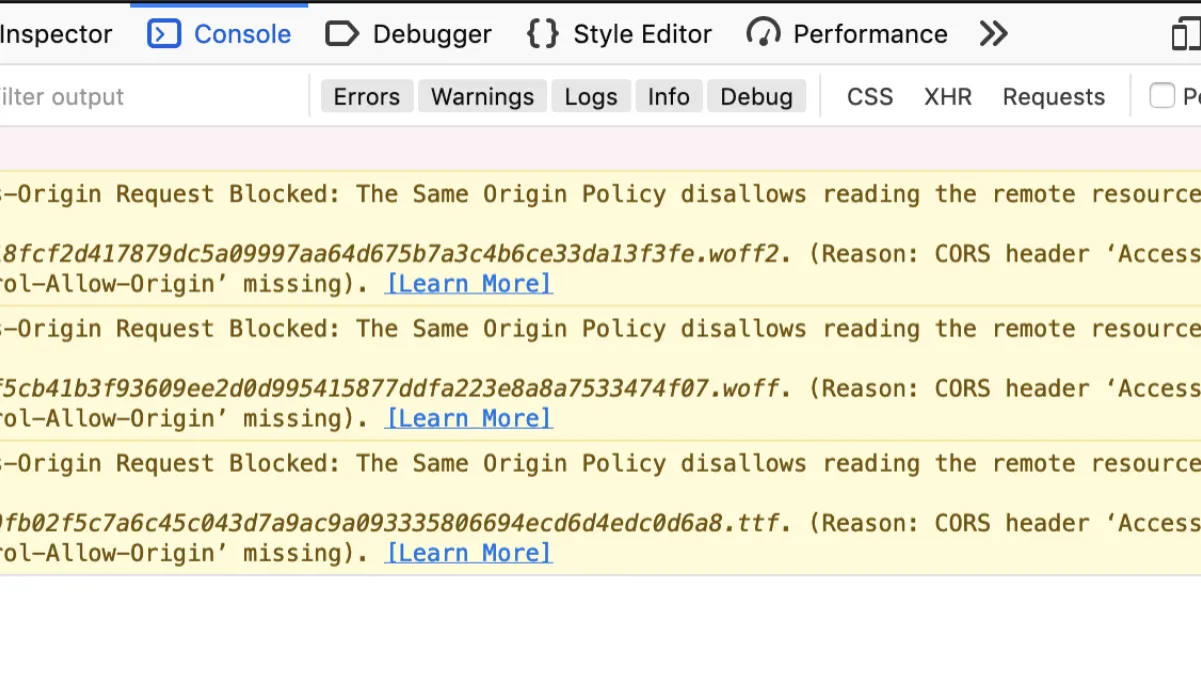
Fix CORS Errors in React and Node.js Apps
Fix CORS errors between React and Node.js for good: explicit origins, preflight handling, and the credentials mismatch that breaks auth requests.

Fix WooCommerce Cart Fragments Slowing Your Site
WooCommerce cart fragments slow? Here is why the get_refreshed_fragments AJAX call bypasses your cache and the fix that keeps the mini-cart working.
0 Comments
No comments yet — be the first to share your thoughts.