CoSnitch Copilot Flaw: CVE-2026-24301 Explained
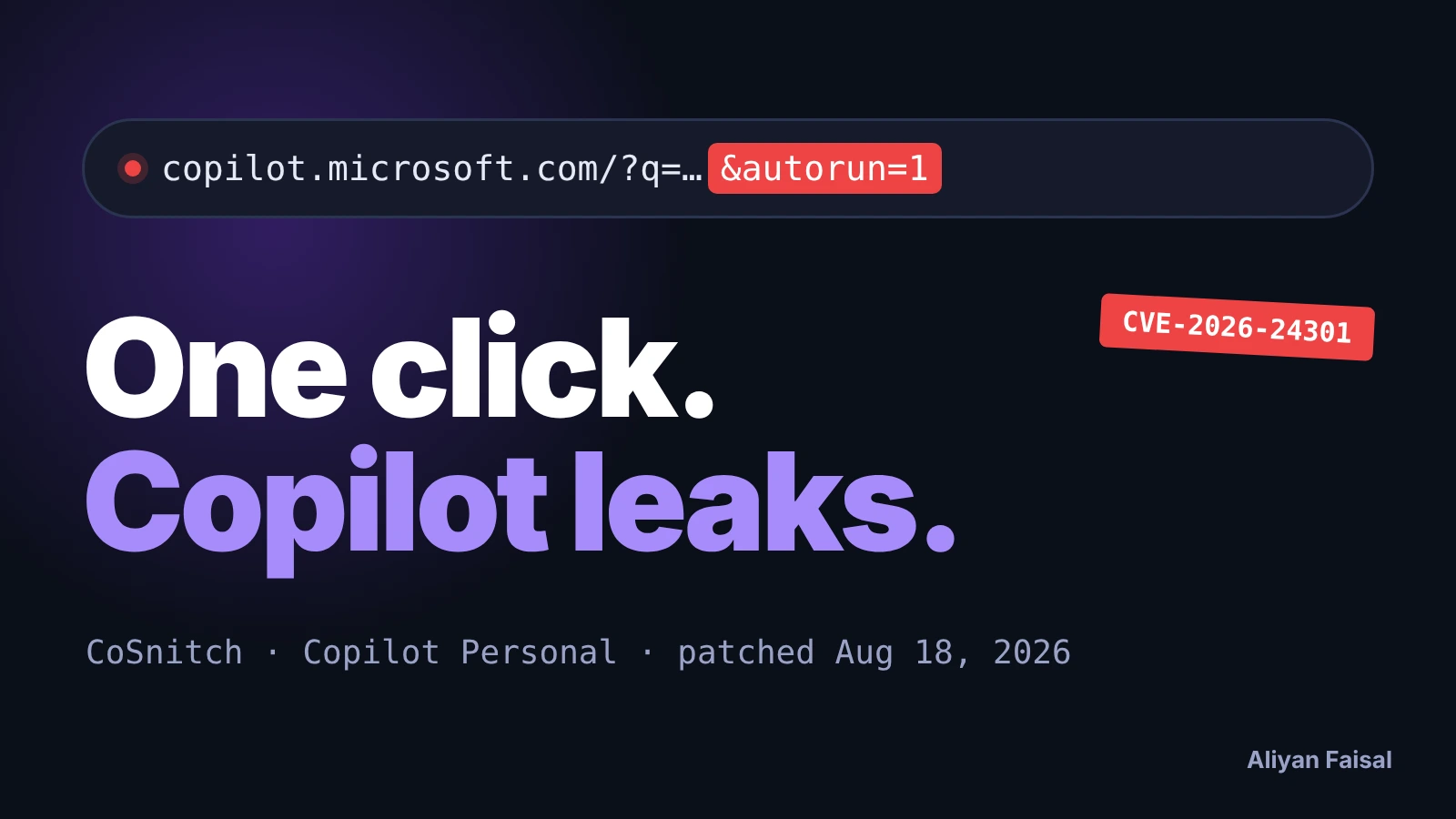
CoSnitch is the nickname for CVE-2026-24301, a flaw in Microsoft Copilot Personal, the consumer assistant at copilot.microsoft.com. It is not GitHub Copilot and, according to the sources I read, it is not Microsoft 365 Copilot either. One click on a crafted link could make Copilot run an attacker's prompt inside the victim's logged-in session and send data out. Microsoft fixed it server-side on August 18, 2026, and there is nothing for users to install. What a fix does not undo is the part worth reading about.
My angle: most write-ups retell the research. I'm a developer, so I looked at what the bug means for anyone building a chat or AI feature, and I wrote a link checker and a safe launch pattern, with their real output below.
What CoSnitch is, and what it is not
Varonis Threat Labs published the research on August 18, 2026. The product is Copilot Personal, and the Cloud Security Alliance's research note says the same and contrasts it with Microsoft 365 Copilot without saying the enterprise product is affected. If your company only uses Copilot through a Microsoft 365 tenant, this write-up is not telling you that you were exposed. If your staff use personal Copilot accounts with Gmail or Google Drive attached, it is.
Sources disagree on a few details, and I'd rather show that than smooth it over:
- Severity: the CSA note gives CVSS 3.1 8.8 (High). Varonis calls the CVE critical.
- Name for the bug: Microsoft's CVE entry calls it command injection in Copilot Web. Varonis describes prompt injection through URL parameters.
- Which parameter: the CSA note names
autorun=1, used with the documentedq=prompt parameter. Varonis's article uses?q=<prompt>&autorun=1in its attack URL but does not state outright that this is the undocumented parameter Copilot disclosed.
How the attack worked
According to Varonis, this was the chain:
- The victim clicks a link delivered by email, chat, a phishing page or a QR code.
- The page loads in their authenticated Copilot session.
- The
autorunparameter runs the prompt inqon page load, with no further action. - Copilot acts with whatever it can reach: connected Gmail or Outlook, Google Calendar, Google Drive, chat history and its memory.
- Varonis reports the prompt completes even if the tab is closed right after loading.
Two details explain why this was hard to catch. The researchers say the exfiltrated data was base64-encoded to get past filters that look for sensitive patterns, and it left as an ordinary HTTPS GET request that looks like Copilot's normal URL fetching. They also reported that Copilot itself explained its own protections after repeated rephrasing of their questions, which they call meta-hacking. That is the researchers' account, and I did not test any of it.
Timeline: Varonis disclosed it to Microsoft in December 2025, and the fix shipped on August 18, 2026. Both Varonis and the CSA note say they saw no sign of exploitation in the wild before the patch.
What the patch does not clean up
The auto-run route is closed. A second finding in the same research is not covered by that fix: hidden instructions in a web page, processed while Copilot summarizes it, could be written into Copilot's persistent memory. Per Varonis, that memory has no expiry and survived password changes, session revocation and device re-enrollment. One analysis of the patch argues that an entry written before August 18 stays active until the user deletes it by hand.
Keep the evidence in order here. The persistence claim is Varonis's. Nobody I read tested a specific account for a poisoned entry, and Microsoft's CVE record says there is no action for users to take. That statement describes the vulnerability, not an account that may already have been affected. So it is a reasonable precaution to check, not a confirmed infection.
What to do now
If you or your team use Copilot Personal:
- Open Copilot's memory settings and read every entry. Delete anything you did not write yourself, especially entries that tell the assistant to fetch URLs or send data somewhere.
- Disconnect connectors you don't use. Each one is access that a prompt can reach.
- Read any prefilled prompt before it runs, and treat a link that opens an AI assistant like a link to a login page.
- Add "check assistant memory" to your account compromise checklist, because rotating the password does not clear it.
Spot AI assistant links in your own mail
Here's a small script for security-minded developers. It scans text for links to AI assistants and flags the ones that prefill a prompt, and the ones that also carry an auto-run style parameter. The host list is a starting point you should extend:
// link-check.js - flag links that open an AI assistant with a prefilled prompt, and rate how dangerous they look
const AI_HOSTS = ['copilot.microsoft.com', 'chatgpt.com', 'claude.ai', 'gemini.google.com', 'perplexity.ai'];
const PROMPT_PARAMS = ['q', 'prompt', 'query'];
const AUTO_PARAMS = ['autorun', 'autosubmit', 'autosend', 'submit', 'send', 'run', 'auto'];

function check(text) {
  const out = [];
  for (const raw of text.match(/https?:\/\/[^\s<>"')]+/g) || []) {
    let u; try { u = new URL(raw); } catch { continue; }
    if (!AI_HOSTS.some(h => u.hostname === h || u.hostname.endsWith('.' + h))) continue;
    const p = PROMPT_PARAMS.find(k => u.searchParams.has(k));
    const a = AUTO_PARAMS.find(k => u.searchParams.has(k));
    const prompt = p ? u.searchParams.get(p) : '';
    let level = 'ok';
    if (p) level = 'prefilled prompt';
    if (p && a) level = 'AUTO-RUNS PROMPT';
    out.push({ host: u.hostname, level, auto: a || '-', promptChars: prompt.length });
  }
  return out;
}
I ran it on four sample links I wrote myself, including one harmless auto-run style link and one on an unrelated domain. This is the real output:
host                      level               auto       promptChars
copilot.microsoft.com     ok                  -          0
copilot.microsoft.com     AUTO-RUNS PROMPT    autorun    18
claude.ai                 prefilled prompt    -          27
The link on example.com was skipped because it is not an AI assistant host. This is a heuristic. A link with no auto-run parameter can still be a bad prompt, and an attacker can use parameters your list does not know. Use it to triage, not as a security control.
If you build an AI feature: the rule CoSnitch breaks
A URL can prefill an input box. It should never be able to send what it prefilled. Here is the pattern I use, with a test:
// A URL may prefill the input box. Only a click inside the page may send it.
function readLaunch(href) {
  const u = new URL(href);
  const prefill = (u.searchParams.get('q') || '').slice(0, 500);
  const autoRequested = ['autorun', 'autosubmit', 'submit'].some(k => u.searchParams.has(k));
  return { prefill, autoRequested, mayAutoSend: false }; // never true, whatever the URL says
}
console.log(readLaunch('https://app.example/chat?q=Summarize+my+inbox&autorun=1'));
{ prefill: 'Summarize my inbox', autoRequested: true, mayAutoSend: false }
The request to auto-send is noticed and then ignored. Log autoRequested, since a spike of those is a useful alert. Beyond the URL rule, give an assistant the least access it needs, require a confirmation before it fetches an outside URL with data in it, and let users see and delete memory.
Frequently Asked Questions
Is CoSnitch a GitHub Copilot vulnerability?
No. It affected Copilot Personal, the consumer Copilot at copilot.microsoft.com. I found nothing tying it to GitHub Copilot.
Is Microsoft 365 Copilot affected?
The sources I read describe Copilot Personal only. The CSA note contrasts it with the enterprise product and does not say that product is affected. Confirm with your own Microsoft documentation.
Do I need to patch anything?
No. The fix was server-side on August 18, 2026, and Microsoft's record says users have no action to take. Reviewing Copilot's memory and connectors is still sensible.
Was CoSnitch exploited in the wild?
Varonis and the CSA note both say they saw no evidence of exploitation before the patch.
Did the patch remove memory entries added earlier?
One analysis says no, and that they stay until you delete them. This comes from Varonis's description of how memory works, and I did not test it myself.
Next step
Open your Copilot memory settings today and read what is saved. If you build assistants, add the rule from the last section: links can prefill, only a click can send.
Last checked: November 10, 2026, against Varonis Threat Labs, the Cloud Security Alliance research note and one independent patch analysis. Details may change as Microsoft or researchers publish more.

Related posts
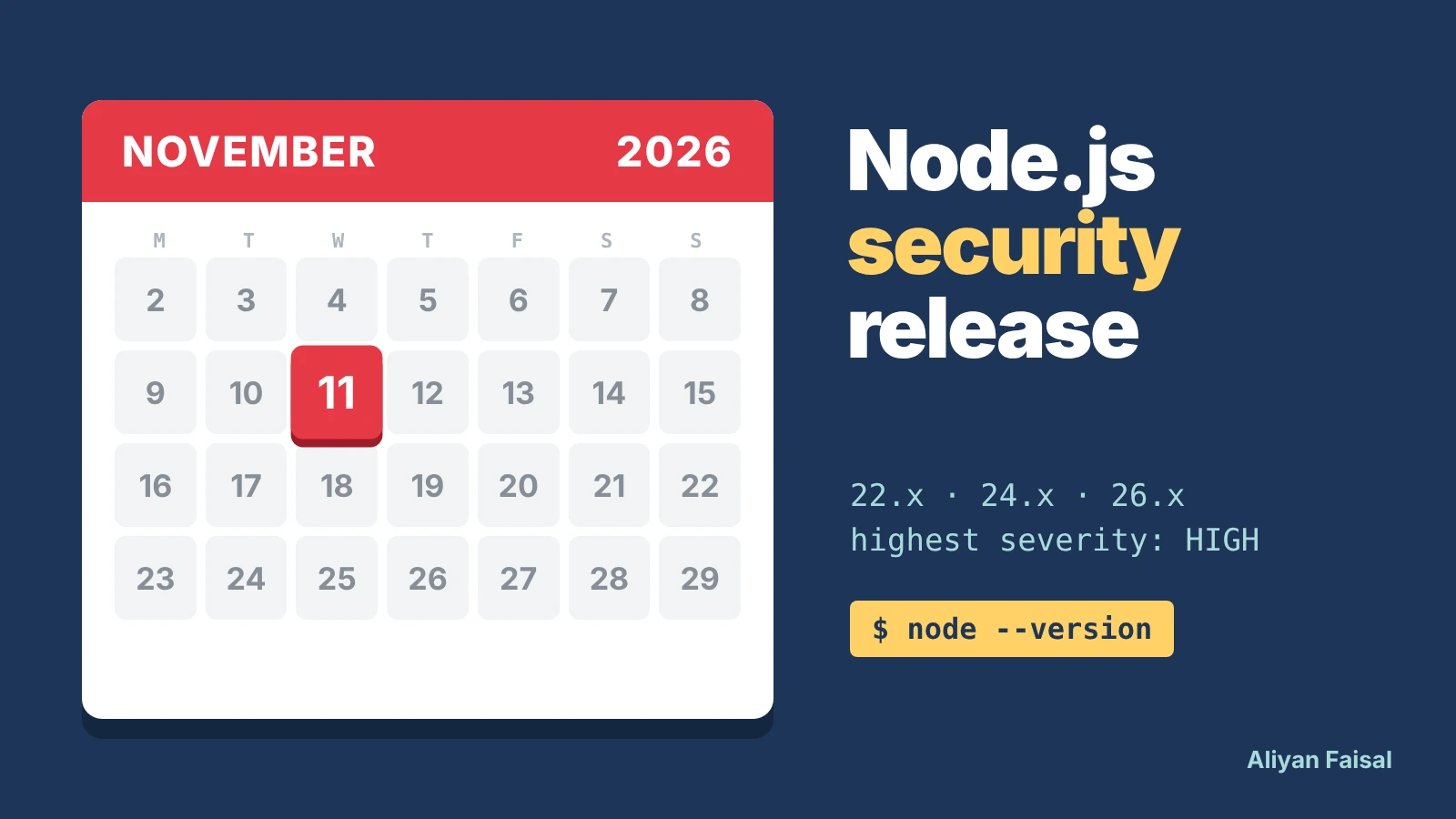
Node.js Nov 11 Security Release: Prep Checklist
Node.js ships a HIGH-severity security release on Nov 11, 2026. What's confirmed, and a script to find every pinned version.
Claude API 400 Error: temperature, top_p, top_k
Claude API 2026-10-21 returns a 400 if you send temperature, top_p or top_k. See what breaks and how to fix it.
Node2Shell: Node.js Brotli RCE and the Fix
Node2Shell (CVE-2026-111497) is a Node.js Brotli RCE flaw. See which Express paths are exposed and the fixed versions.
How to Check Your PHP Version After PHP2Shell
How to check your PHP version and confirm it's patched against PHP2Shell on WordPress, cPanel, Linux and Docker.
0 Comments
No comments yet — be the first to share your thoughts.