Content Security Policy in Express With Helmet

A single injected <script> tag is all it takes to turn a minor template bug into a full account takeover. Output escaping is your first line of defense against cross-site scripting (XSS), but escaping fails the moment someone forgets it in one place. A Content Security Policy in Express is the safety net that still holds when your escaping does not: it tells the browser exactly which scripts, styles, images and connections are allowed, and blocks everything else.
This guide shows how to build a Content Security Policy in Express with Helmet, how to use nonces instead of unsafe-inline, how to roll the policy out safely in report-only mode, and the mistakes that quietly weaken a policy that looks strict on paper.
What a Content Security Policy Actually Does
A Content Security Policy (CSP) is an HTTP response header, Content-Security-Policy, that contains a list of directives. Each directive controls one resource type and lists the sources the browser may load it from. If an attacker manages to inject <script src="https://evil.example/steal.js"> into your page, a policy that only allows scripts from your own origin makes the browser refuse to fetch it, and the attack fails at the last possible moment.
The directives you will use most often are:
default-src: the fallback for any resource type you do not list explicitly.script-src: where JavaScript may come from, and whether inline scripts are allowed.style-src: the same idea for CSS.img-srcandconnect-src: allowed image sources and allowed targets forfetch, XHR and WebSockets.object-src: legacy plugins like Flash and Java applets; almost always'none'.frame-ancestors: which sites may embed your pages in an iframe, which is your clickjacking defense.base-uriandform-action: stop injected<base>tags and forms from redirecting users to an attacker's server.
Setting Up Helmet in Express
Helmet is a middleware collection that sets secure HTTP headers, and it ships with a sensible CSP by default. Install it first:
npm install helmet
Then register it before your routes:
import express from "express";
import helmet from "helmet";

const app = express();

app.use(helmet());

app.get("/", (req, res) => res.send("<h1>Hello</h1>"));
app.listen(3000);
The default policy is a decent baseline, but it allows inline styles and does not know about your CDN, your analytics provider or your API domain. In practice you will want to define the directives yourself.
A Strict Content Security Policy With Nonces
The biggest weakness in most policies is 'unsafe-inline' in script-src, because it allows any inline script, including the one an attacker injected. The modern fix is a nonce: a random value generated per request, added to the header and to each legitimate <script> tag. The browser runs only inline scripts whose nonce matches.
import crypto from "node:crypto";

app.use((req, res, next) => {
  res.locals.cspNonce = crypto.randomBytes(16).toString("base64");
  next();
});

app.use(
  helmet({
    contentSecurityPolicy: {
      useDefaults: false,
      directives: {
        defaultSrc: ["'self'"],
        scriptSrc: ["'self'", (req, res) => `'nonce-${res.locals.cspNonce}'`],
        styleSrc: ["'self'"],
        imgSrc: ["'self'", "data:", "https://images.unsplash.com"],
        connectSrc: ["'self'", "https://api.example.com"],
        objectSrc: ["'none'"],
        baseUri: ["'self'"],
        formAction: ["'self'"],
        frameAncestors: ["'none'"],
        upgradeInsecureRequests: [],
      },
    },
  })
);
Helmet accepts a function as a directive value, which is how the per-request nonce gets into the header. In your template, pass the nonce to every inline script you own:
<script nonce="<%= cspNonce %>">
  window.__APP_CONFIG__ = { apiBase: "/api" };
</script>
Two rules matter here. The nonce must be unguessable, so use crypto.randomBytes and never a counter or timestamp. And it must be regenerated on every response; a nonce cached with a page is just a static secret an attacker can read and reuse.
Roll Out Safely With Report-Only Mode
Turning on a strict policy for the first time will almost certainly break something: a tag manager, an inline onclick, a font from a third-party host. Do not discover that in production. Helmet supports report-only mode, which sends Content-Security-Policy-Report-Only so the browser logs violations without blocking anything:
app.use(express.json({ type: ["application/json", "application/csp-report"] }));

app.use(
  helmet({
    contentSecurityPolicy: {
      reportOnly: true,
      directives: {
        defaultSrc: ["'self'"],
        reportUri: ["/csp-report"],
      },
    },
  })
);

app.post("/csp-report", (req, res) => {
  console.warn("CSP violation:", JSON.stringify(req.body));
  res.status(204).end();
});
Run report-only for a week or two, watch which violations are legitimate, add those sources to the policy, and only then switch reportOnly off. Keep a report-uri in enforcement mode as well, because violations in production are often the first sign that someone is attempting an injection.
Common Content Security Policy Mistakes
- Allowing wildcards on script hosts.
script-src https:or*.googleapis.comlets an attacker load a script from any site on that scheme or domain, including ones that host user content or JSONP endpoints. - Leaving
'unsafe-inline'next to a nonce. In CSP Level 3 browsers the nonce wins and'unsafe-inline'is ignored, but older browsers fall back to the weaker rule, so remove it rather than relying on the fallback. - Forgetting
object-srcandbase-uri. Without them, an attacker who cannot inject a script can still hijack relative URLs with a<base>tag. - Caching HTML with a nonce. If a CDN caches the page, every visitor gets the same nonce, which defeats the point. Either skip caching for nonce-bearing pages or use hash-based sources for static inline scripts.
- Treating CSP as a replacement for escaping. CSP limits the damage of an injection; it does not remove the bug. Keep escaping user input, and keep the policy as defense in depth.
Frequently Asked Questions
Does Helmet enable a Content Security Policy by default?
Yes. Calling app.use(helmet()) sets a default Content-Security-Policy header that restricts most resources to your own origin. It also allows inline styles, so most production apps customize the directives to match their real dependencies.
Should I use a nonce or a hash?
Use a nonce for dynamically rendered pages, where the server builds the HTML on every request. Use a hash ('sha256-...') for a small, static inline script whose content never changes, since a hash can be computed once and works safely with cached pages.
Will a Content Security Policy break my third-party scripts?
It can, which is exactly why report-only mode exists. Analytics, chat widgets and tag managers often inject further scripts and inline code. Add only the specific hosts you trust, and prefer loading them through a nonce-tagged script rather than allowing a whole domain.
Can CSP protect against clickjacking too?
Yes. The frame-ancestors directive controls which origins can embed your page, and frame-ancestors 'none' blocks all framing. It replaces the older X-Frame-Options header, which Helmet still sets for legacy browsers.
Conclusion
A well-tuned Content Security Policy in Express turns XSS from a critical incident into a blocked request in the browser console. Start with Helmet's defaults, replace 'unsafe-inline' with per-request nonces, and deploy in report-only mode until the violation reports go quiet. This week, add reportOnly: true to your Helmet config, collect a few days of reports, and then enforce the policy once the only violations left are the ones you want blocked.

Related posts
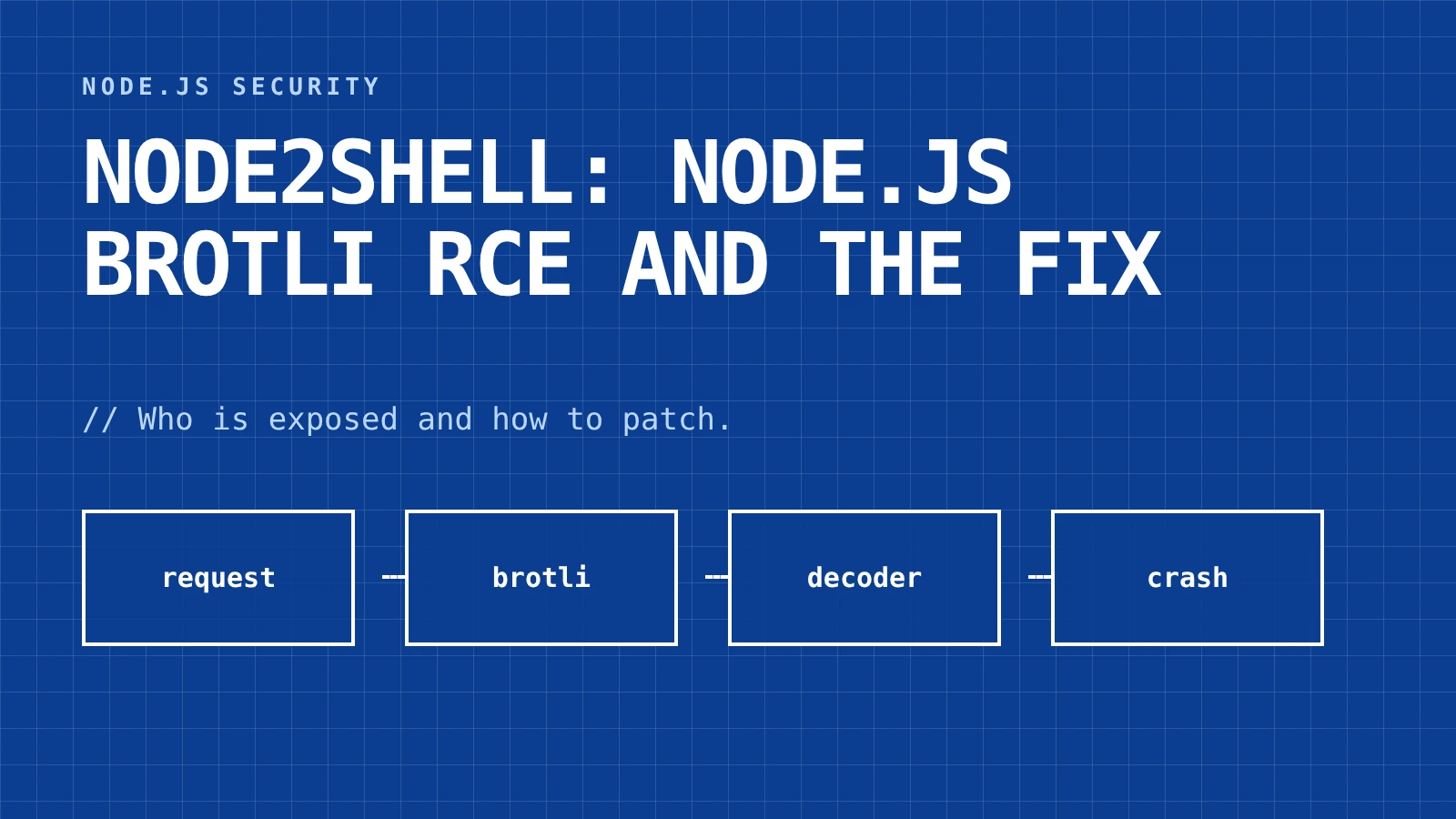
Node2Shell: Node.js Brotli RCE and the Fix
Node2Shell (CVE-2026-111497) is a Node.js Brotli RCE flaw. See which Express paths are exposed and the fixed versions.
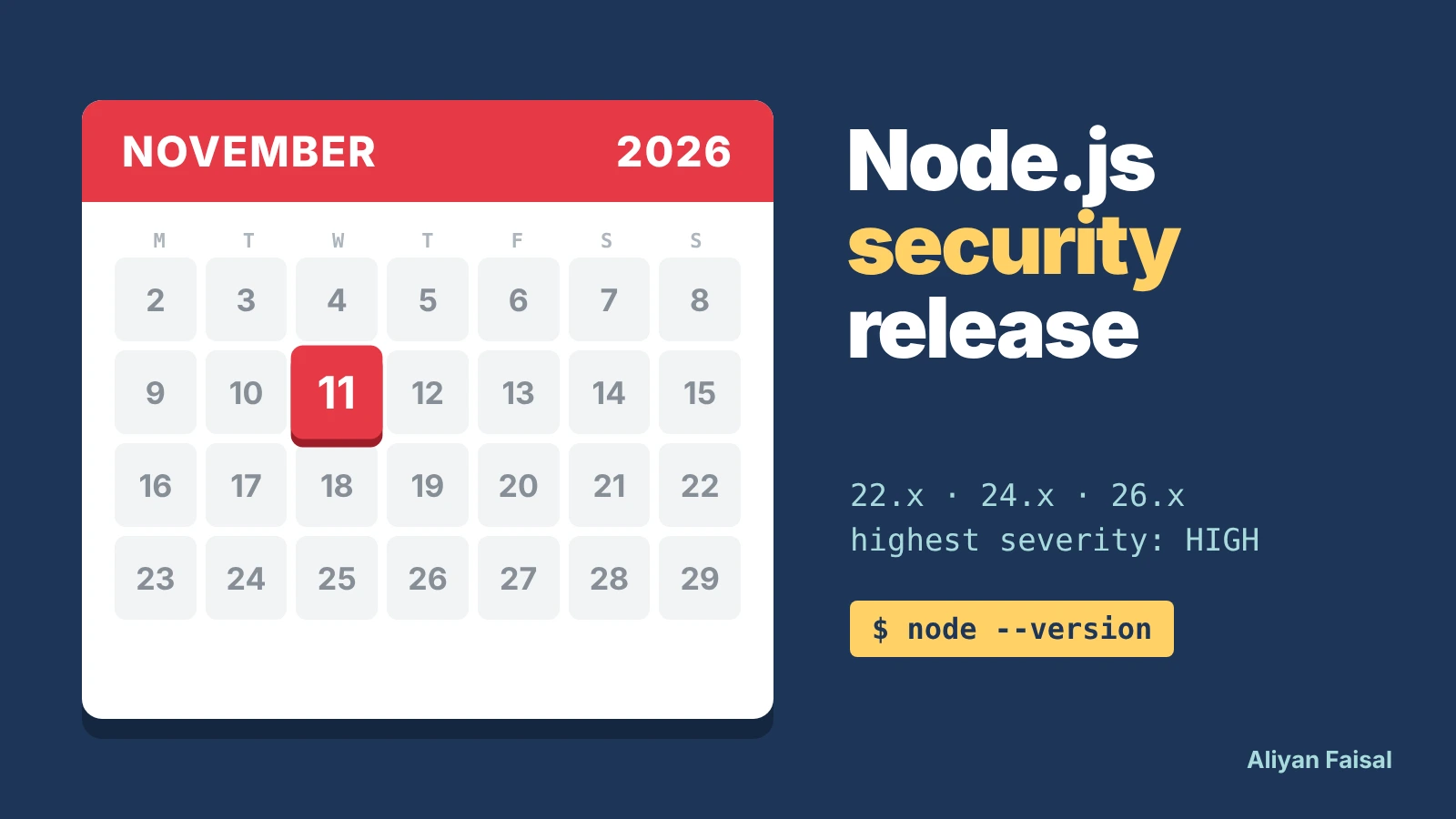
Node.js Nov 11 Security Release: Prep Checklist
Node.js ships a HIGH-severity security release on Nov 11, 2026. What's confirmed, and a script to find every pinned version.
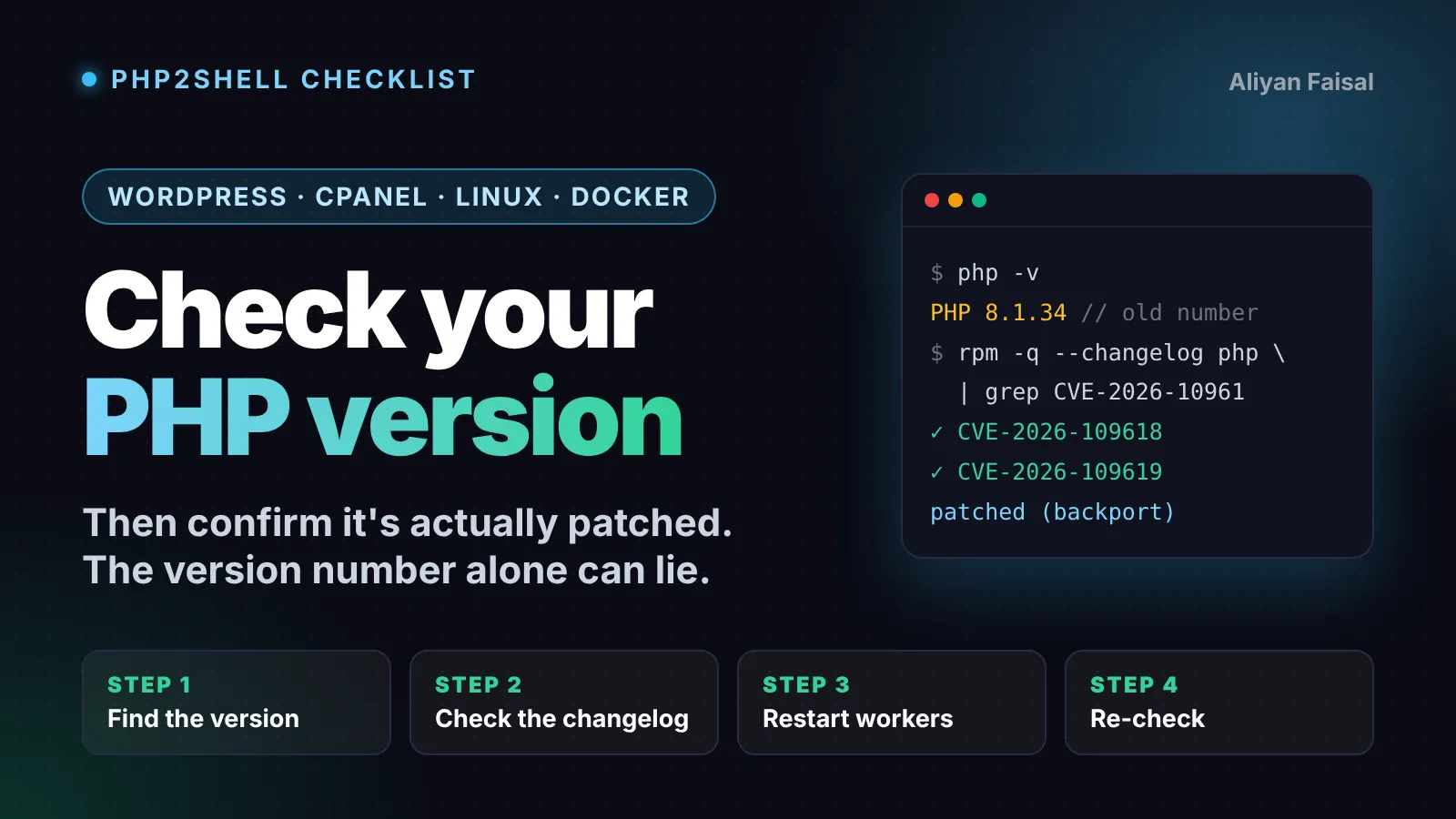
How to Check Your PHP Version After PHP2Shell
How to check your PHP version and confirm it's patched against PHP2Shell on WordPress, cPanel, Linux and Docker.
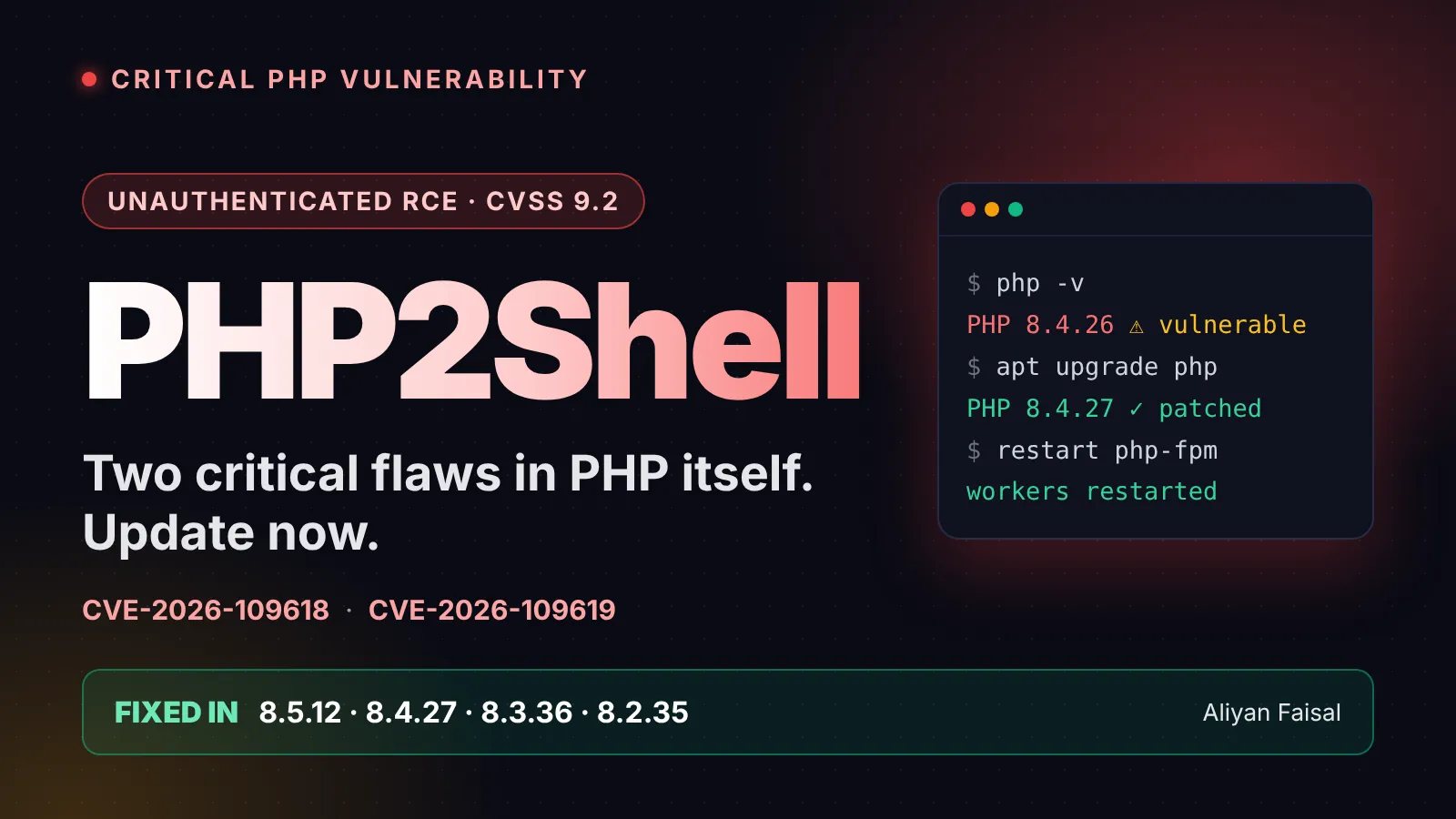
PHP2Shell: Critical PHP RCE Flaws and the Fix
PHP2Shell explained: two critical PHP flaws allow remote code execution. Fixed versions, developer steps and an owner checklist.
0 Comments
No comments yet — be the first to share your thoughts.