How to Automate Code Review in Your Node.js CI/CD Pipeline With AI
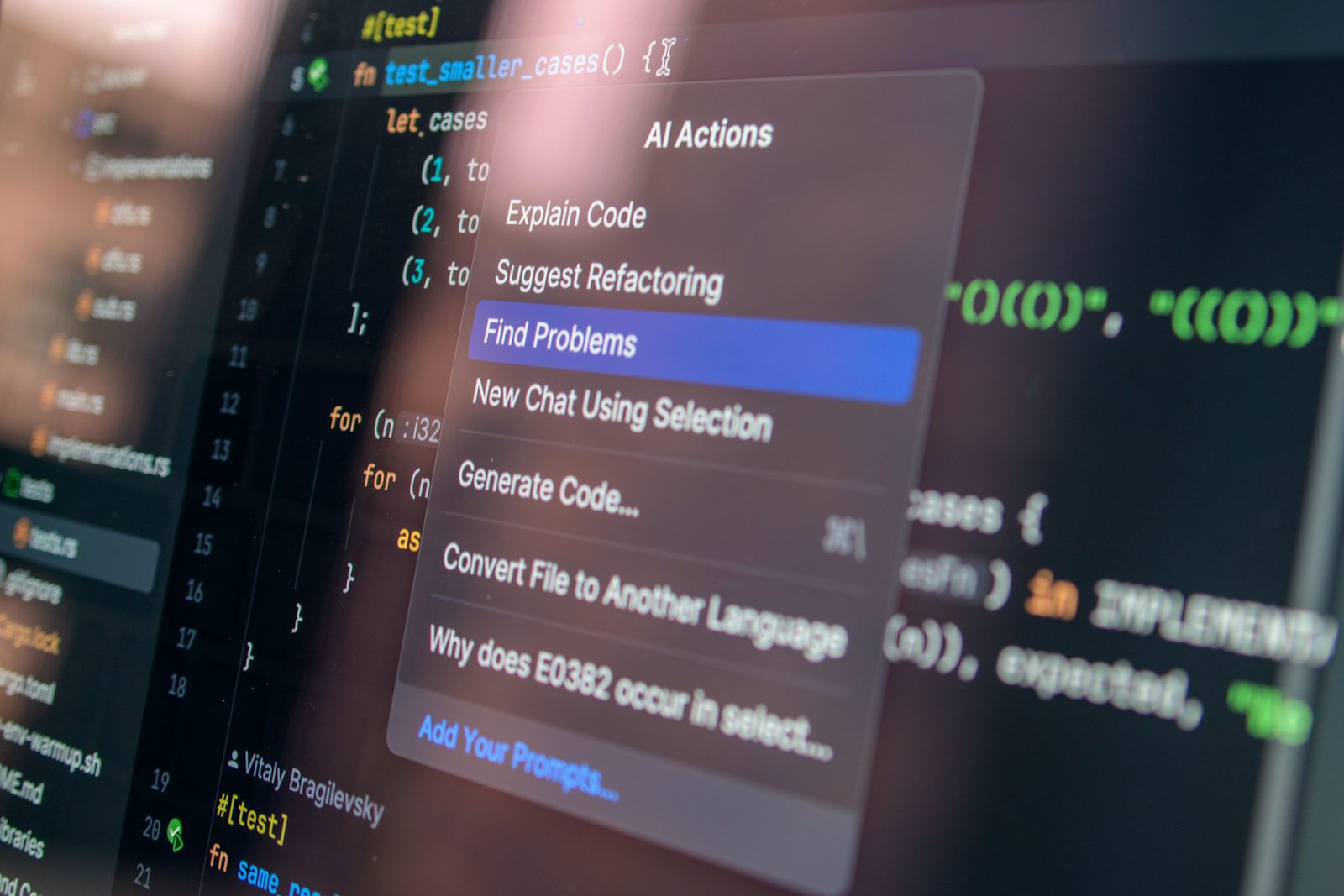
Your CI pipeline runs tests, lints, and builds — but the actual code review still waits on a human who's busy, and pull requests sit for a day before anyone looks at them. Adding AI code review to a Node.js CI/CD pipeline doesn't replace that human reviewer, but it catches a real category of issues before a person ever opens the diff, and it does it in under a minute.
What AI Code Review Actually Catches (and What It Doesn't)
AI review tools are good at pattern-level problems: unhandled promise rejections, missing null checks, SQL queries built with string concatenation, inconsistent error handling, obvious security issues like hardcoded secrets, and code that contradicts your team's own stated conventions. They read fast and never get tired on PR #47 of the day.
What they're bad at: understanding whether a change actually solves the business problem, whether an architectural decision makes sense for where the product is heading, or whether a "clever" abstraction will be a maintenance headache in six months. That's still a human job. Treat AI review as a fast first pass that clears the mechanical issues, not a replacement for a senior engineer's judgment.
Setting Up an AI Code Review Step in Your CI/CD Pipeline
The basic pattern is the same regardless of which CI system you use: on every pull request, pull the diff, send it to an LLM API with a focused prompt, and post the response as a PR comment.
Example: GitHub Actions + a Node.js Script
// review.js — run in a GitHub Actions step
import { execSync } from "node:child_process";

const diff = execSync("git diff origin/main...HEAD").toString();

if (!diff.trim()) {
  console.log("No changes to review.");
  process.exit(0);
}

const prompt = `Review this diff for bugs, security issues, and
unhandled edge cases. Be specific and reference line numbers.
Skip style nitpicks — those are handled by the linter.

${diff}`;

const response = await fetch("https://api.anthropic.com/v1/messages", {
  method: "POST",
  headers: {
    "x-api-key": process.env.ANTHROPIC_API_KEY,
    "anthropic-version": "2023-06-01",
    "content-type": "application/json",
  },
  body: JSON.stringify({
    model: "claude-sonnet-5",
    max_tokens: 1024,
    messages: [{ role: "user", content: prompt }],
  }),
});

const result = await response.json();
console.log(result.content[0].text);
Wire that script into a GitHub Actions workflow that runs on pull_request, captures the output, and posts it as a comment using the GitHub API or an action like actions/github-script. The whole thing runs in parallel with your existing test suite, so it adds no real time to the pipeline.
Handling Large Pull Requests
Diffs over a few hundred lines run into two problems: they blow past a reasonable token budget, and the model's feedback quality drops once it's juggling too much context at once. Two practical fixes work well together. First, split the diff by file and review each file's changes as a separate request rather than concatenating everything into one prompt — this keeps each review focused and makes the resulting comments easier to map back to specific files. Second, set a size threshold: if a PR's diff exceeds a few hundred lines, skip the automated review entirely and post a comment asking the author to split the PR, since a review that large usually means the change itself should have been smaller. Large PRs are a code health problem the tooling shouldn't quietly work around.
Common Mistakes Teams Make With AI Code Review
- Reviewing the whole repo instead of just the diff. Sending full files instead of the actual change wastes tokens and produces vague, unfocused feedback.
- No prompt scoping. A generic "review this code" prompt produces generic comments. Tell it explicitly what to focus on (bugs, security, edge cases) and what to skip (style, which your linter already handles).
- Blocking merges on AI feedback. AI review should inform, not gate. Treat it as a comment, not a required status check — false positives will otherwise stall real work.
- Ignoring cost at scale. A high-traffic repo with dozens of PRs a day can rack up API costs fast if you're sending large diffs on every push. Debounce it to run once per PR, not on every commit.
Best Practices for Keeping AI Review Useful, Not Noisy
Keep the prompt narrow and specific to what your team actually cares about — a fintech backend and a marketing site have very different risk profiles, and a generic prompt won't reflect that. Feed it your team's actual conventions (error handling patterns, naming rules) so its comments align with how you already work instead of fighting your style guide. And review the reviewer occasionally: if it's consistently flagging non-issues, tighten the prompt rather than letting engineers learn to ignore it.
Frequently Asked Questions
Does AI code review replace human reviewers? No. It catches mechanical issues fast so human reviewers can focus on architecture, correctness, and whether the change actually solves the problem — not on spotting a missing await.
Which LLM should I use for this? Any capable model works; what matters more is diff-only input and a tightly scoped prompt. Cost and latency differences between providers matter more at high PR volume than raw quality differences.
Will this slow down my CI pipeline? Not meaningfully if it runs in parallel with your test suite and only on pull request diffs, not full-repo scans.
Key Takeaways
AI code review earns its place in a Node.js CI/CD pipeline when it's scoped tightly to diffs, given a focused prompt, and treated as a fast first pass rather than a merge gate. It won't replace your senior reviewers — it'll clear the mechanical noise so they can spend their time on what actually needs human judgment.
Have you wired AI review into your own pipeline yet, or is your team still relying purely on human eyes for every PR?