Docker Multi-Stage Builds for Node.js Apps
If your Node.js container image weighs 1.2 GB and takes four minutes to push on every deploy, the problem is almost never your app. It is a single-stage Dockerfile that ships your compiler, dev dependencies, and build cache to production. Docker multi-stage builds for Node.js fix this by separating the environment that builds your code from the one that runs it, and the result is usually an image that is 5 to 10 times smaller.
This guide walks through how multi-stage builds work, a production-ready Dockerfile for a TypeScript Node.js API, and the mistakes that quietly undo the size and security gains.
Why Single-Stage Node.js Images Get So Big
A typical first Dockerfile looks like this: start from node:22, copy everything, run npm install, run the build, and start the server. It works, but every layer stays in the final image:
- The full Debian-based Node image, including compilers and package managers
devDependenciessuch as TypeScript, ESLint, and test runners- Your raw
src/directory,.githistory if you forgot a.dockerignore, and build caches - Any secrets accidentally baked into a layer during the build
Bigger images cost you in three places: slower CI pushes, slower cold starts when an orchestrator pulls the image onto a new node, and a larger attack surface, because every extra binary is something a vulnerability scanner can flag.
How Docker Multi-Stage Builds Work
A multi-stage build uses several FROM instructions in one Dockerfile. Each FROM starts a fresh stage with its own filesystem. You build and compile in early stages, then use COPY --from=<stage> to pull only the finished artifacts into the last stage. Everything else is discarded when the build ends.
The mental model is simple: the final stage is the only thing that becomes your image. Earlier stages exist purely to produce files for it.
A Production-Ready Multi-Stage Dockerfile for Node.js
Here is a three-stage Dockerfile for a TypeScript API. It separates dependency installation, compilation, and runtime.
# syntax=docker/dockerfile:1

# ---- Stage 1: install all dependencies ----
FROM node:22-alpine AS deps
WORKDIR /app
COPY package.json package-lock.json ./
RUN --mount=type=cache,target=/root/.npm npm ci

# ---- Stage 2: compile TypeScript ----
FROM deps AS build
COPY tsconfig.json ./
COPY src ./src
RUN npm run build && npm prune --omit=dev

# ---- Stage 3: minimal runtime image ----
FROM node:22-alpine AS runtime
ENV NODE_ENV=production
WORKDIR /app
COPY --from=build --chown=node:node /app/node_modules ./node_modules
COPY --from=build --chown=node:node /app/dist ./dist
COPY --chown=node:node package.json ./
USER node
EXPOSE 3000
CMD ["node", "dist/server.js"]
Build it with docker build -t my-api:latest --target runtime . and compare the size with docker images. A typical Express or Fastify API drops from around 1 GB to 150 MB or less.
Why This Layout Works
The deps stage copies only package.json and the lockfile, so Docker reuses the cached npm ci layer until your dependencies actually change. Editing a source file no longer triggers a full reinstall. In the build stage, npm prune --omit=dev strips dev dependencies after compilation, so the runtime stage copies a lean node_modules. The runtime stage starts from a clean Alpine base, copies just dist and production modules, and runs as the unprivileged node user.
Layer Caching: The Part Most Teams Miss
Multi-stage builds only pay off in CI if the layer cache survives between runs. On GitHub Actions, use the BuildKit cache backend so your dependency layer is not rebuilt on every push:
- uses: docker/build-push-action@v6
  with:
    context: .
    push: true
    tags: ghcr.io/your-org/my-api:${{ github.sha }}
    cache-from: type=gha
    cache-to: type=gha,mode=max
With mode=max, intermediate stages are cached too, not just the final image. That is what keeps a repeat build of an unchanged dependency tree under a minute.
Common Multi-Stage Build Mistakes
- Missing
.dockerignore. Without one,COPY . .sendsnode_modules,.git, and local.envfiles into the build context. Add all three, plusdistandcoverage. - Copying source before the lockfile. If
COPY . .comes beforenpm ci, any code change invalidates the dependency layer. Always copypackage*.jsonfirst. - Running as root. The default user in most base images is root. Set
USER nodein the final stage so a compromised process cannot write to the filesystem freely. - Using
latesttags for base images. Pin to a major version likenode:22-alpine, or better, a digest, so a surprise upstream change does not break your build. - Native modules on Alpine. Packages such as
sharporbcryptmay need extra build tools on musl-based Alpine. If you hit binary errors, switch the runtime stage tonode:22-slimrather than fighting it.
Going Further: Distroless and Security Scanning
Once the basic pattern is in place, swap the runtime stage for a distroless image such as gcr.io/distroless/nodejs22-debian12. It contains only the Node runtime, with no shell and no package manager, which removes most of what an attacker could use after a breach. Pair that with a scanner like Trivy or Docker Scout in CI, and fail the pipeline on high-severity findings so regressions are caught before deployment.
Frequently Asked Questions
How much smaller are Docker multi-stage builds for Node.js?
For a typical TypeScript API, expect a reduction from roughly 900 MB to 1.2 GB down to 100 to 200 MB with Alpine, and lower still with distroless. Actual savings depend on how many production dependencies you carry.
Should I use Alpine or slim for the Node.js runtime stage?
Alpine gives the smallest image, but its musl libc can cause problems with native addons. If your app depends on packages with compiled binaries, node:22-slim is the safer choice with only a modest size increase.
Can I debug a specific stage of a multi-stage build?
Yes. Use docker build --target build -t debug-image . to stop at any named stage, then run it with docker run -it debug-image sh to inspect the filesystem exactly as that stage left it.
Do multi-stage builds work with docker compose?
They do. In your compose file, set build.target: runtime for production and build.target: deps or a dedicated dev stage for local development with hot reload.
Conclusion
Docker multi-stage builds for Node.js are one of the cheapest wins in any deployment pipeline: split your Dockerfile into dependency, build, and runtime stages, copy the lockfile before your source, run as the node user, and cache layers in CI. Start today by adding a .dockerignore and converting your current Dockerfile to the three-stage layout above, then compare docker images before and after to confirm the savings.

Related posts

GitHub Actions SSH Deploy: Permission Denied
GitHub Actions SSH deploy failing with Permission denied (publickey)? Here is the real cause -- a corrupted key -- and the fix that actually works.
AI Prompt to Fix a Flaky CI Test
A practical AI prompt for diagnosing a flaky CI test fast, so you find the real race condition causing it instead of adding another retry or timeout.
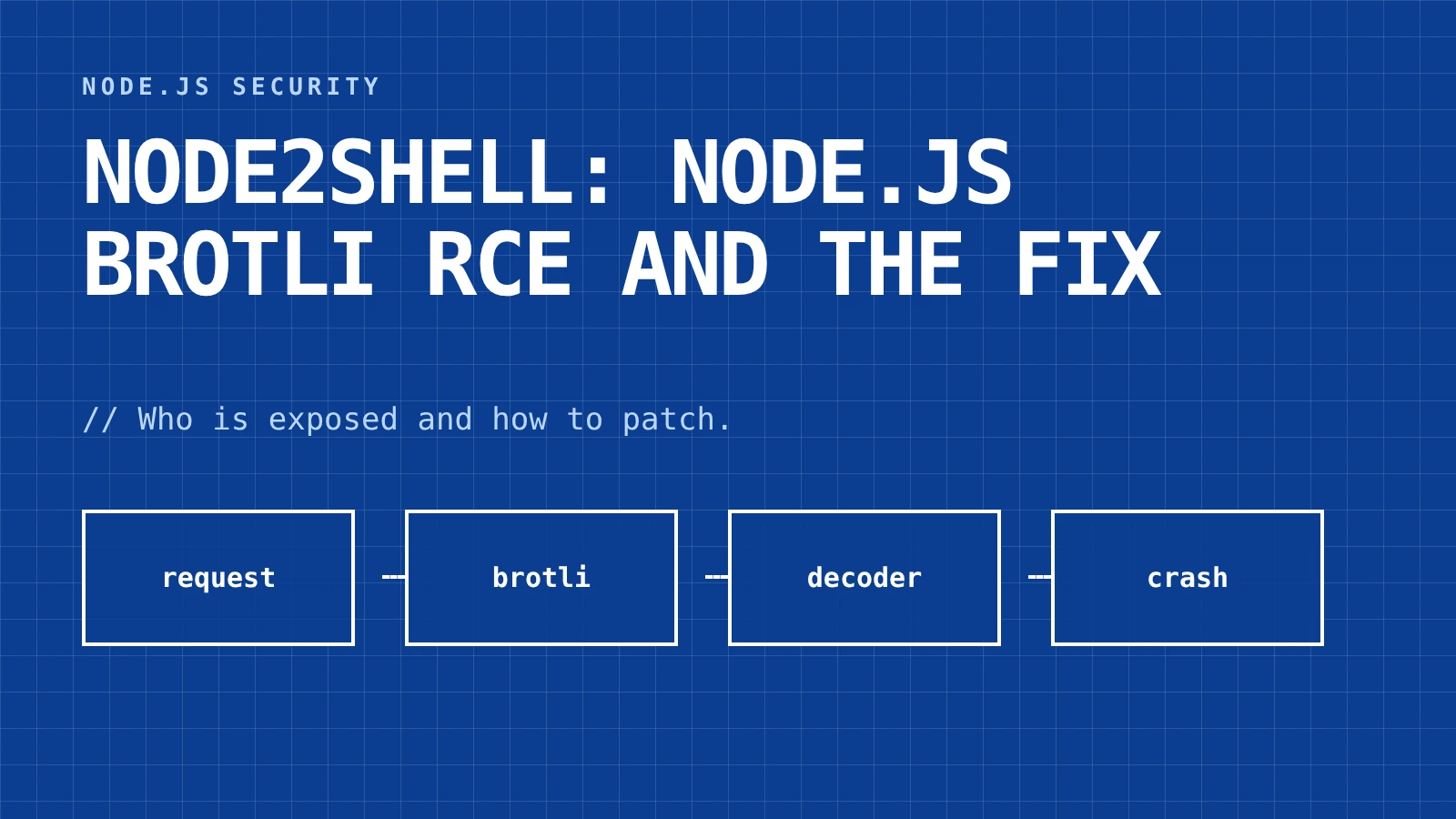
Node2Shell: Node.js Brotli RCE and the Fix
Node2Shell (CVE-2026-111497) is a Node.js Brotli RCE flaw. See which Express paths are exposed and the fixed versions.

Exponential Backoff for OpenAI API Calls
How to implement exponential backoff with jitter for OpenAI API calls in Node.js, and why queue concurrency matters more than your retry formula.
0 Comments
No comments yet — be the first to share your thoughts.