Detect a Blocked Node.js Event Loop

If your Node.js API occasionally stalls for a second or two under load — requests queue up, health checks time out, everything recovers on its own — you're almost certainly dealing with a blocked Node.js event loop, not a slow database or a network hiccup. The symptom is easy to misdiagnose because nothing crashes and nothing logs an error. The process just goes quiet for a moment, then catches up. Here's how to actually measure it instead of guessing, and the one fix that reliably works.
Why a Blocked Event Loop Is So Hard to Catch
Node runs your JavaScript on a single thread. Anything synchronous — a big JSON.parse, a tight loop, a synchronous crypto call, an unoptimized regex — occupies that thread completely until it finishes. While it runs, nothing else happens: no incoming HTTP requests get handled, no timers fire, no promises resolve. From the outside this looks exactly like the process hung, because for that duration it did.
The reason this is hard to catch in production is that nothing about it throws, logs, or shows up in a stack trace. CPU usage on the box looks normal (one core pegged briefly isn't dramatic on a multi-core host). The only visible evidence is tail latency spikes that don't correlate with anything in your APM traces, because most APM latency measurements are themselves running on the blocked thread.
Measuring It for Real With monitorEventLoopDelay
Node's built-in perf_hooks.monitorEventLoopDelay() samples how long the event loop takes to get back to a scheduled callback, which is exactly the signal you want. I set up a small, reproducible test: a setInterval heartbeat firing every 200ms, and a deliberately synchronous block that occupies the thread for 2 seconds.
const { monitorEventLoopDelay } = require('perf_hooks');

const h = monitorEventLoopDelay({ resolution: 20 });
h.enable();

const start = Date.now();
setInterval(() => {
  console.log(`heartbeat at +${Date.now() - start}ms`);
}, 200);

function blockFor(ms) {
  const end = Date.now() + ms;
  let x = 0;
  while (Date.now() < end) x += Math.sqrt(x + 1);
}

setTimeout(() => {
  console.log('--- blocking for 2000ms ---');
  blockFor(2000);
  console.log('--- done ---');
}, 200);

setTimeout(() => {
  h.disable();
  console.log('max:', (h.max / 1e6).toFixed(2), 'ms');
  console.log('mean:', (h.mean / 1e6).toFixed(2), 'ms');
}, 3200);
Running this on Node 22 gives a max of roughly 2014ms against a 2000ms block — the histogram captures almost exactly how long the thread was unavailable, with a few milliseconds of natural scheduling overhead on top. A healthy, unblocked loop on the same machine sits around 20ms max. That gap between "normal max" and "spiked max" is the actual signal you alert on, not an absolute number, since baseline delay varies by host and load.
The Non-Obvious Part: Missed Timers Don't Catch Up
Watching the heartbeat output during that same test reveals something worth knowing before you reason about blocked-loop behavior: the five or so setInterval ticks that were technically "due" during the 2-second block don't fire back-to-back once the block ends. They're simply dropped. The timer resumes on its normal 200ms cadence from whenever the loop becomes free again — it does not try to make up for lost time.
heartbeat at +201ms
--- blocking for 2000ms ---
--- done ---
heartbeat at +2300ms   <- not 5 rapid-fire catch-up ticks, just the next one
heartbeat at +2500ms
heartbeat at +2701ms
This matters if you've ever assumed a delayed cron-style setInterval job would eventually run the same number of times as a perfectly unblocked process — it won't. Every tick that falls inside a block is gone for good.
The Actual Fix: Move the Work Off the Main Thread
The fix isn't "write faster synchronous code" — real CPU-bound work (image resizing, large JSON transforms, cryptographic hashing, parsing big payloads) takes real time no matter how it's written. The fix is making sure that time doesn't come out of the main thread's budget, using Node's built-in worker_threads:
const { Worker, isMainThread, parentPort } = require('worker_threads');
const { monitorEventLoopDelay } = require('perf_hooks');

if (isMainThread) {
  const h = monitorEventLoopDelay({ resolution: 20 });
  h.enable();

  const start = Date.now();
  setInterval(() => {
    console.log(`heartbeat at +${Date.now() - start}ms`);
  }, 200);

  const worker = new Worker(__filename);
  worker.on('message', () => {
    h.disable();
    console.log('max delay while worker ran:', (h.max / 1e6).toFixed(2), 'ms');
    process.exit(0);
  });
} else {
  function blockFor(ms) {
    const end = Date.now() + ms;
    let x = 0;
    while (Date.now() < end) x += Math.sqrt(x + 1);
    return x;
  }
  parentPort.postMessage({ result: blockFor(2000) });
}
Running this version, the same 2000ms of CPU work now happens on a separate OS thread, and the main thread's event loop delay stays flat around 20ms for the entire duration — every single heartbeat fires on schedule at +200ms, +400ms, +600ms, with no gap. That's the actual before/after: max goes from ~2014ms to ~20ms just by moving the same computation off the thread that serves requests.
For work you don't want to manage as a one-off Worker per call, Node's worker_threads module pairs naturally with a small pool (or a library like piscina) so you reuse threads instead of spinning one up per request — but the underlying fix is the same: synchronous CPU work belongs on a worker thread, not the thread handling your HTTP traffic.
Frequently Asked Questions
Does setImmediate or process.nextTick fix event loop blocking?
No — both still run on the main thread. They control when within the event loop your callback runs relative to I/O and timers, but a synchronous function body still occupies the thread for its full duration wherever it's scheduled. They don't offload work; only worker_threads or a child process does that.
Will async/await prevent this on its own?
Not by itself. async/await only yields control at an actual await on a genuinely asynchronous operation. An async function that runs a synchronous loop for two seconds with no await inside it blocks the loop exactly the same as a non-async function would.
What's a safe production threshold for event loop delay?
There's no universal number, but a commonly used rule of thumb is alerting when max delay exceeds roughly 50-100ms sustained, since that's well past normal GC pauses and scheduling jitter on most hosts, and it's enough to visibly affect p99 latency on a request-serving process.
Conclusion
A blocked event loop doesn't announce itself with an error — it shows up as unexplained latency spikes that disappear by the time you look. perf_hooks.monitorEventLoopDelay() turns that invisible problem into a concrete number you can graph and alert on, and the fix for anything genuinely CPU-bound is to move it into a worker_thread rather than trying to make the synchronous code itself faster. Measure first, then offload — guessing at which function is "probably fine" is how this ends up back in production.

Related posts

Node.js Worker Threads for CPU-Heavy Tasks
Learn how Node.js worker threads move CPU-intensive tasks off the event loop, with a working Express example and when to pick them over clustering.

Debug a Node.js Memory Leak with AI
A practical AI prompt that uses a real heap snapshot retainer path to actually find a Node.js memory leak instead of just confirming one exists.

Node.js Worker Threads for CPU-Bound Tasks
Learn how Node.js worker threads offload CPU-bound work from the event loop, with a real worker pool implementation and production best practices.
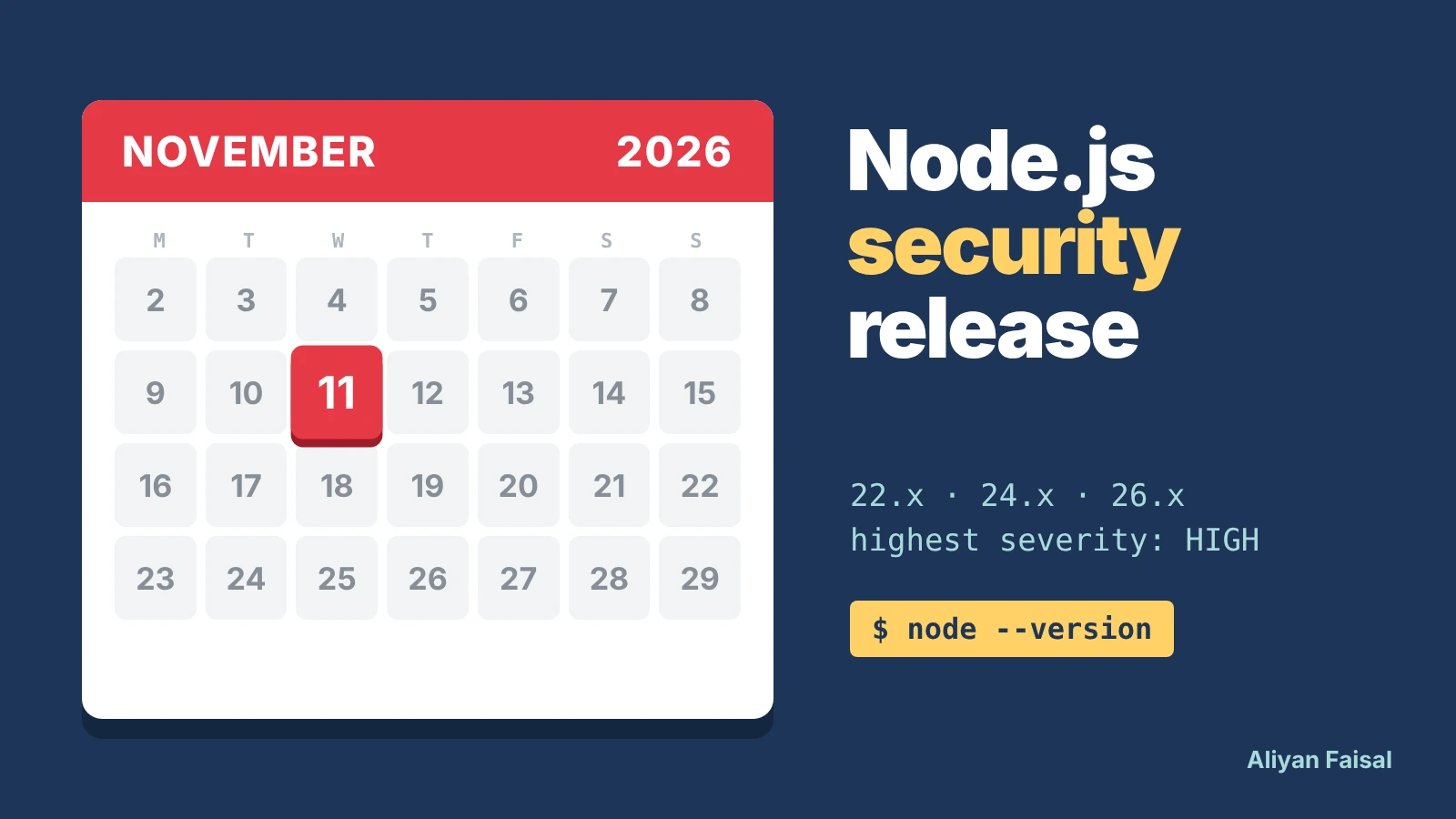
Node.js Nov 11 Security Release: Prep Checklist
Node.js ships a HIGH-severity security release on Nov 11, 2026. What's confirmed, and a script to find every pinned version.
0 Comments
No comments yet — be the first to share your thoughts.