AI Prompt to Document an Undocumented API
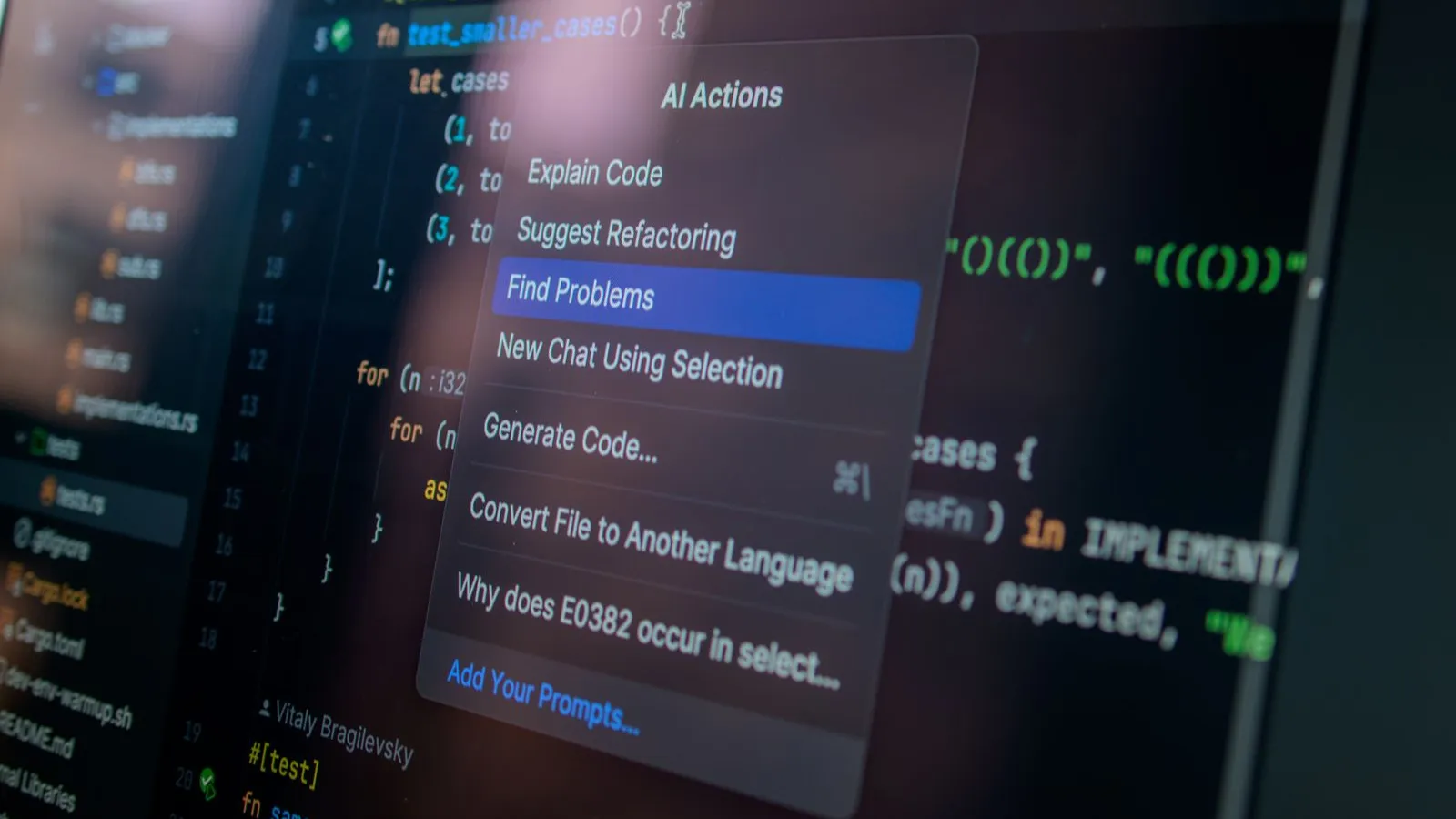
An undocumented REST API with forty endpoints and zero comments is one of the most common things I inherit from a client — usually built fast by a previous dev who left, with no OpenAPI spec, no Postman collection, nothing but the route files themselves. Writing that documentation by hand, endpoint by endpoint, is the kind of task that eats a whole day and that nobody wants to own. AI-generated API documentation from the actual route and controller code turns that day into about an hour, as long as you feed it the real code instead of asking it to guess from the endpoint name alone.
I picked up a Laravel project last year where the previous developer had built out a fairly solid API for a booking system, but there was no documentation anywhere — not even inline comments on the trickier endpoints. The client needed it documented before handing the API to a separate mobile team. Reading through forty routes and their controllers to write docs by hand would've taken most of a day. Pasting each controller method into an AI assistant with the right prompt structure got me a usable first draft of every endpoint's docs in under two hours, which I then spent cleaning up rather than writing from scratch.
Why this works better than it sounds
The skepticism makes sense — if the code has no comments explaining intent, how does a model know what an endpoint is actually for? The answer is that most of what belongs in API documentation isn't intent, it's structure: the HTTP method, the route parameters, the validation rules, the shape of the response, and the error cases the code actually handles. A model reading the controller method, the request validation class, and the API resource that formats the response can reconstruct almost all of that correctly, because it's literally encoded in the code even when there's no comment explaining why.
Where it falls short is business context — why a field is required, what a particular status code means to the business, an edge case that only makes sense if you know the product. That part still needs a human pass. I treat the AI output as the structural skeleton of the documentation and add the "why" myself afterward, rather than trying to get the model to invent context it doesn't have.
The prompt structure for documenting one endpoint
A vague "document this API" prompt with just the route list gets you generic, surface-level docs that restate the function names. What actually produces something useful is giving the model the full round trip for one endpoint at a time: the route definition, the controller method, the request validation (if any), and the resource/transformer that shapes the response.
Document this Laravel API endpoint for an external mobile team. I need:
request method and path, required/optional parameters with types, a realistic
example request body, a realistic example response, and the error responses
this code actually returns (not a generic list of HTTP codes).

Route: POST /api/bookings

Controller method:
public function store(StoreBookingRequest $request)
{
    $booking = Booking::create($request->validated());
    $booking->load('property', 'guest');

    if ($booking->property->requires_approval) {
        $booking->update(['status' => 'pending_approval']);
        event(new BookingPendingApproval($booking));
    }

    return new BookingResource($booking);
}

Validation rules (StoreBookingRequest):
check_in: required|date|after:today
check_out: required|date|after:check_in
property_id: required|exists:properties,id
guest_count: required|integer|min:1|max:12
Handing over the validation rules is what makes the difference here — without them, the model will invent plausible-looking parameter requirements that don't match your actual code, which is worse than no documentation at all because it's confidently wrong. With the real StoreBookingRequest rules in the prompt, the generated docs state the actual constraints: date format, the after:check_in relationship between the two dates, the guest count cap.
What the output actually looks like
For the endpoint above, a reasonable first draft comes back close to this:
### POST /api/bookings

Creates a new booking for a property. Requires authentication.

**Body parameters**

| Field | Type | Required | Notes |
|---|---|---|---|
| check_in | date | yes | Must be after today |
| check_out | date | yes | Must be after check_in |
| property_id | integer | yes | Must reference an existing property |
| guest_count | integer | yes | 1–12 |

**Response — 201 Created**

Returns the created booking. If the property requires approval, `status`
will be `"pending_approval"` instead of `"confirmed"`, and an internal
notification is triggered — the client doesn't need to do anything
differently for this case, but should handle both status values in the UI.

**Error responses**

- `422 Unprocessable Entity` — validation failed (see body parameters above)
- `401 Unauthorized` — missing or invalid auth token
That pending_approval behavior is exactly the kind of detail a rushed human-written doc would skip, and it's only in there because the model actually read the branching logic in the controller instead of summarizing the method signature. That's the real value over a plain "generate docs from this code" prompt with no code pasted in — most of what's wrong with AI-written documentation comes from under-feeding context, not from the model being bad at the task.
I'd push back on one common shortcut here: don't ask the model to document an entire controller file in one prompt to save time. I tried that on this same project to speed things up, and the quality dropped noticeably — the model started compressing distinct endpoints into vague shared descriptions and missed a couple of validation rules entirely. One endpoint per prompt is slower per-call but the accuracy difference is large enough that it's the only way I do this now.
Cleaning up the draft
Every AI-generated draft needs a pass before it ships, no exceptions:
- Verify every parameter type and constraint against the actual validation class, not just against what reads plausibly
- Add the business "why" the model couldn't know — why approval is required, what a status value means downstream
- Check example response payloads against a real API call, not just the resource class's field list, since conditional fields or appended attributes are easy for a model to miss
- Standardize formatting across all the endpoints so the final doc doesn't read like it was generated in forty disconnected pieces, which, structurally, it was
Frequently Asked Questions
Can this replace a real OpenAPI/Swagger spec? Not directly — this produces readable Markdown documentation, not a machine-validated spec file. You can go the extra step and ask the model to output OpenAPI YAML instead of Markdown using the same per-endpoint prompt structure, but check the generated schema against your actual validation rules carefully, since small type mismatches in a spec file cause real integration bugs downstream.
Does this work as well for an API with almost no validation classes, just raw $request->input() calls?
Less well. Without a validation layer to read, the model has to infer parameter requirements from how they're used in the method body, which is far less reliable — expect to manually verify every parameter in that case rather than trusting the draft.
Key takeaway
The leverage here comes from feeding the model the full round trip for one endpoint, not from a clever prompt wrapped around a vague "document this." Paste the route, the controller logic, and the actual validation rules, do one endpoint per prompt instead of batching a whole controller, and plan on a cleanup pass to add the business context the code itself can't carry. That workflow turns a day of tedious documentation work into an hour of review.

Related posts
Debug a Stack Trace Faster With AI
How to debug a Node.js stack trace with AI the right way: the exact prompt structure that gives real fixes instead of generic null-check guesses.
AI Refactoring: Breaking Up a God Class
A real AI refactoring workflow for breaking up a legacy god class safely: the prompts that work, and the ones that quietly break production.

Debug Silent Laravel Queue Failures With AI
Laravel queue jobs can fail silently while Horizon still shows success. Learn why it happens and how AI helps trace the swallowed exception fast.

AI Unit Test Generation: A Developer's Guide
Learn how AI unit test generation speeds up Node.js testing with real Jest examples, common pitfalls to avoid, and a practical review workflow.
0 Comments
No comments yet — be the first to share your thoughts.